

Assistant Pro is a cloud-based platform that helps WordPress users store, organize, and reuse templates, media, and content across multiple websites.
It also includes a WordPress template marketplace where you can buy, sell, or download free WordPress templates and design assets.
For Beaver Builder users, Assistant Pro becomes a powerful workflow tool. Instead of rebuilding layouts or hunting for files across multiple websites, you can keep all of your reusable web design assets organized in one place.
Whether you’re building client websites, managing design systems, or creating reusable page layouts, Assistant Pro makes it easier to move assets between projects.
There are two ways to connect Assistant Pro to your WordPress site:
- Using the Assistant plugin
- Using Beaver Builder Cloud inside the Beaver Builder editor
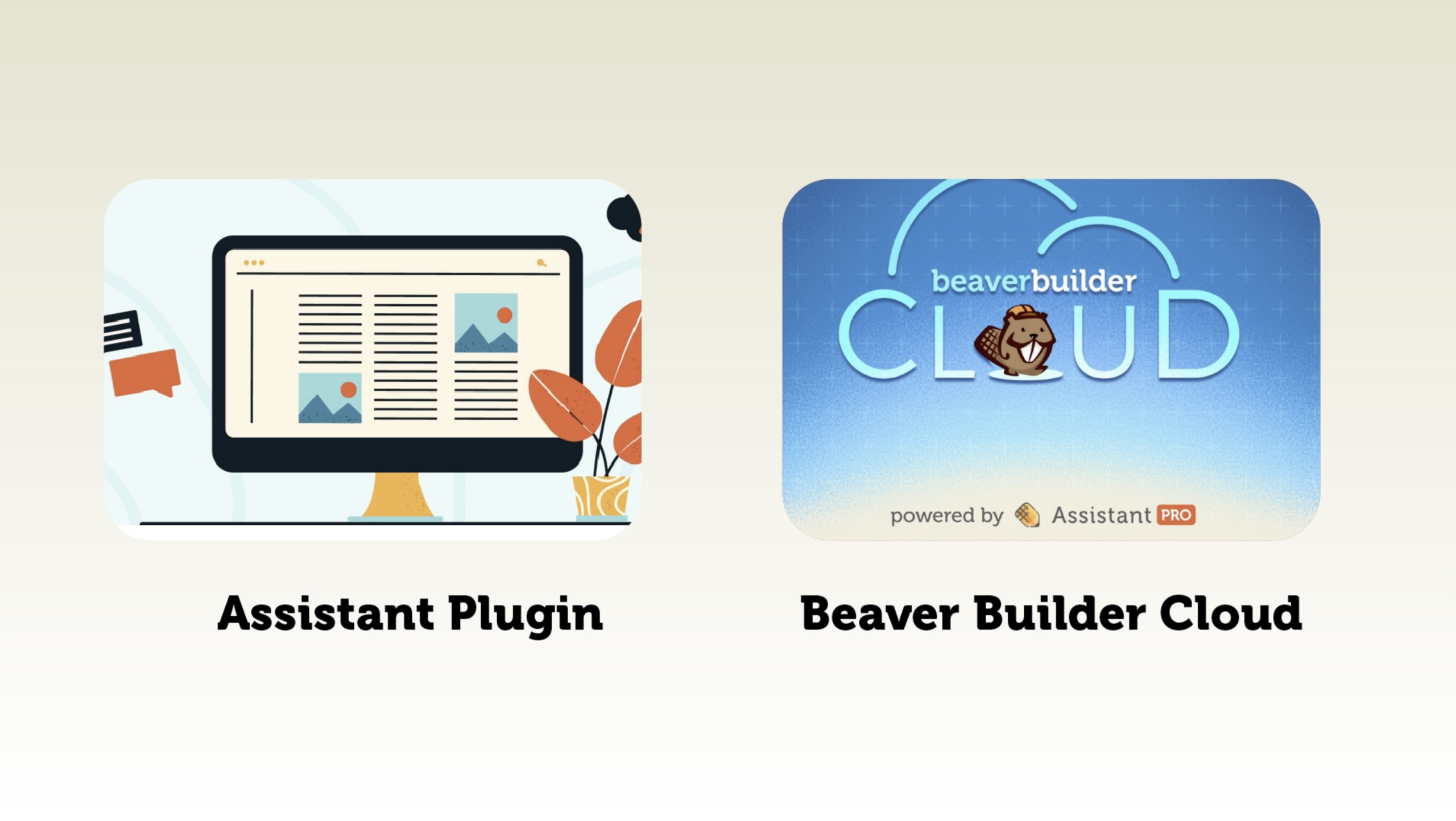
In this article, we take a look at how each option works.
Watch: Assistant Pro + Beaver Builder Overview
In the video below, we walk through both connection methods and show how Assistant Pro integrates with Beaver Builder:
In this tutorial, you’ll learn:
- How Assistant Pro works with Beaver Builder
- The difference between the Assistant plugin and Beaver Builder Cloud
- When to use each connection method
Option 1: Connect Using the Assistant Plugin
The Assistant plugin is a free plugin developed by the Beaver Builder Team:
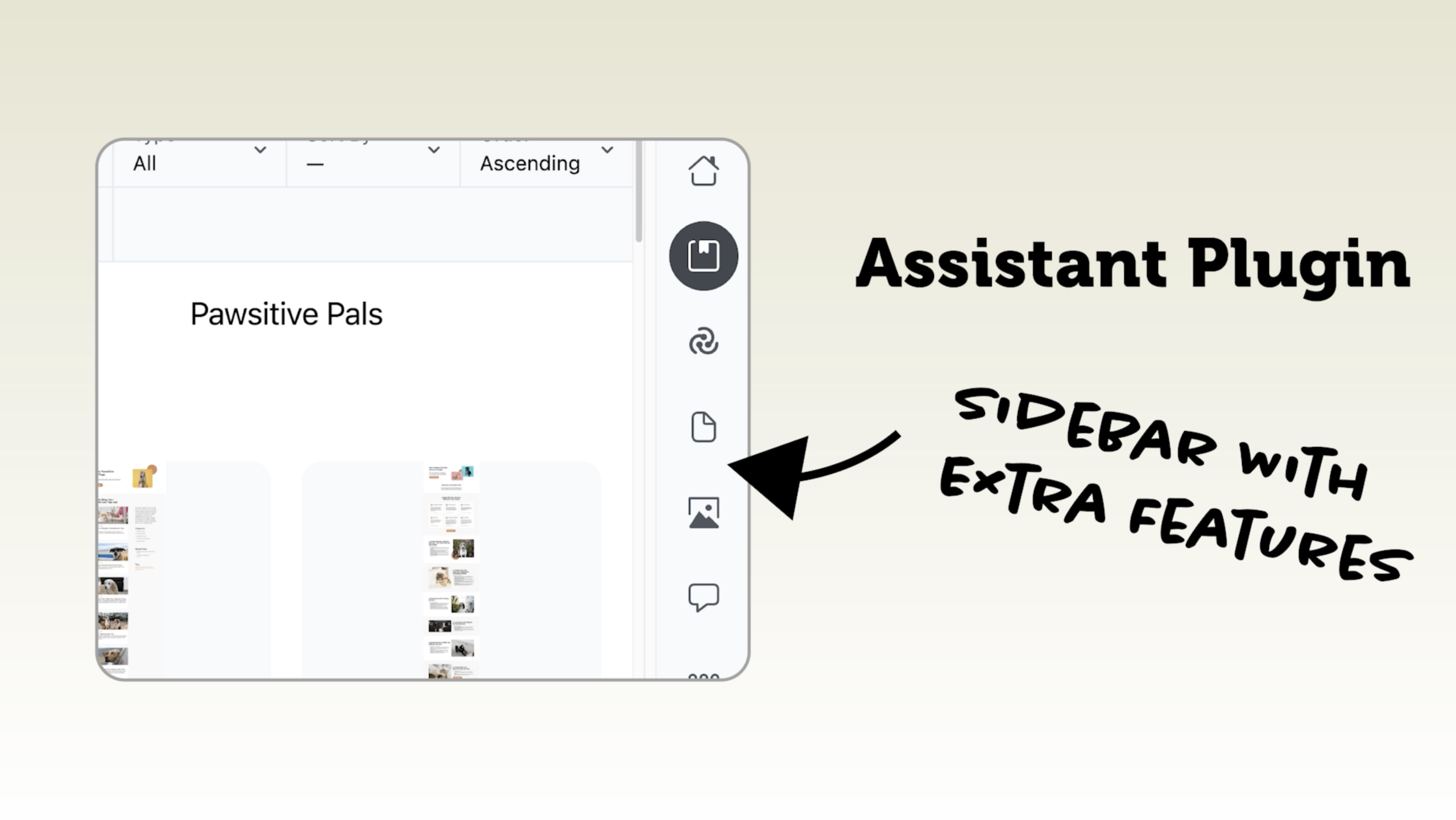
Once installed, it adds a front-end sidebar interface to WordPress that allows you to manage content and design assets without leaving the page you’re working on.
This sidebar gives you access to several powerful tools, including:
- Content App – browse and manage site content
- Media App – access and organize your media library
- Assistant Pro Libraries – import saved templates and assets
- Code App – create, edit, and manage CSS and JavaScript code snippets
Because the interface appears directly on the front end of your site, you can quickly:
- Insert templates into Beaver Builder layouts
- Access saved content
- Browse media files
- Navigate WordPress content
For many developers and agencies, this dramatically improves workflow speed when building or maintaining WordPress sites.
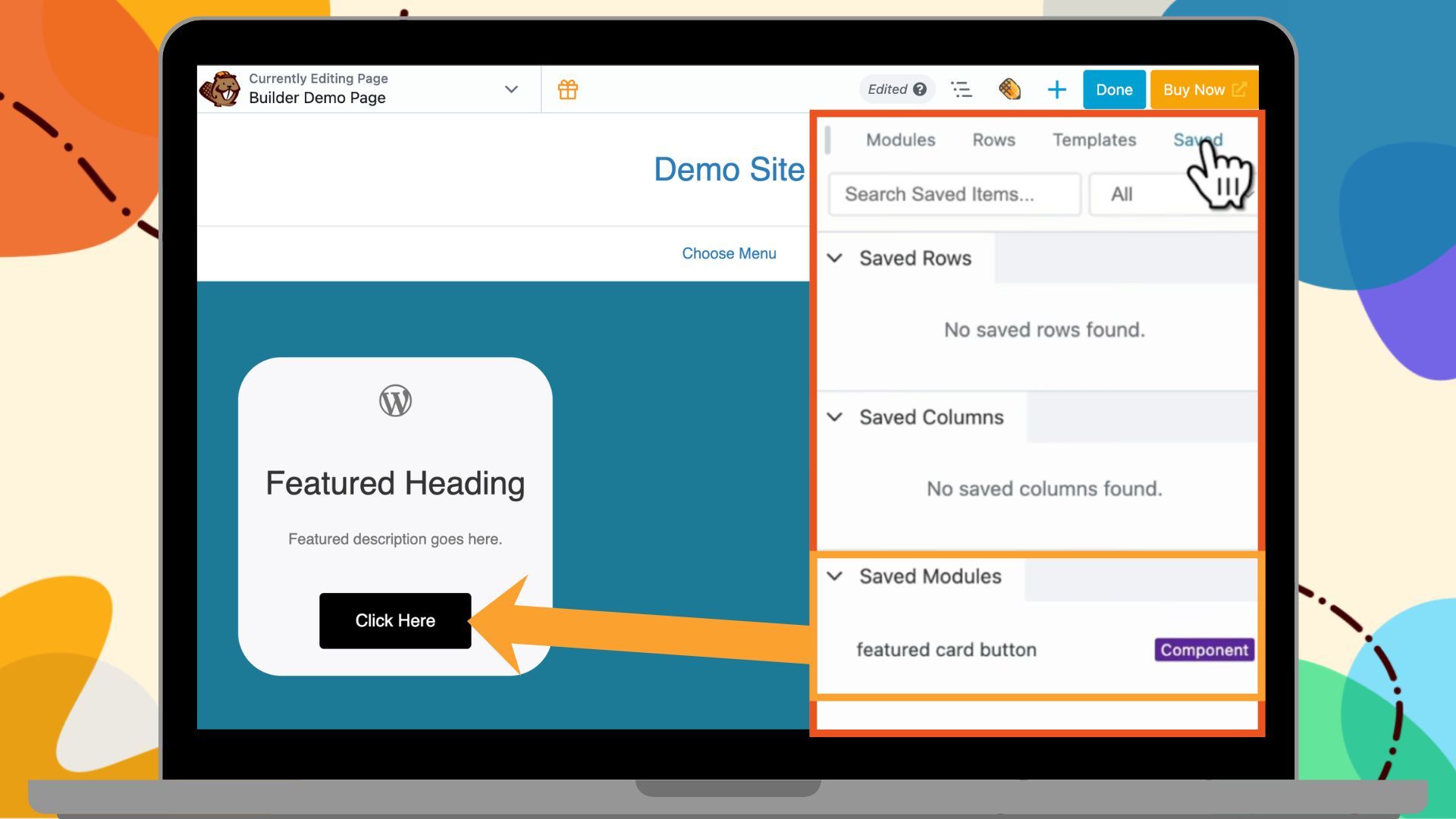
Option 2: Connect Using Beaver Builder Cloud (No Extra Plugin)
If you prefer not to install an additional plugin, you can connect directly to Assistant Pro from inside Beaver Builder. However, it doesn’t include the additional front-end tools like the Content or Media apps. It’s focused specifically on cloud templates and reusable design assets:
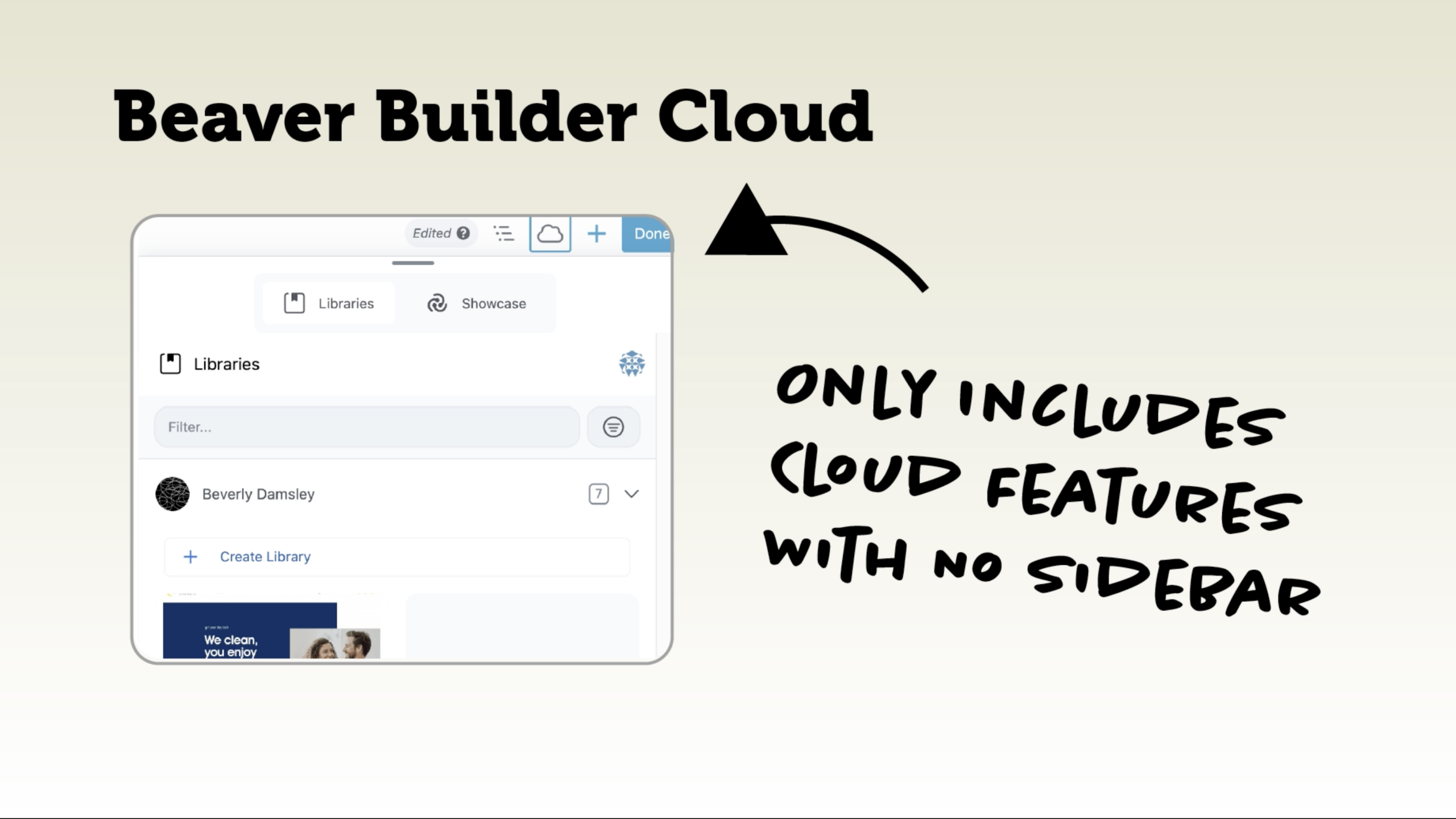
When the Assistant plugin is deactivated, you’ll see a cloud icon inside the Beaver Builder editor. Clicking it opens the Beaver Builder Cloud interface.
This interface includes two tabs: the Libraries tab is where you manage your personal saved templates and the Showcase tab where you browse and import pre-built content.
Unlike the Assistant plugin, this connection focuses specifically on template libraries and reusable design assets. It does not include the additional front-end tools like the Content or Media apps.
For many users, this option provides a simpler and lightweight way to access cloud templates without adding another plugin to the site.
Assistant Plugin vs Beaver Builder Cloud
Both options connect to Assistant Pro, but they serve slightly different workflows.
| Feature | Assistant Plugin | Beaver Builder Cloud |
| Front-end sidebar | Yes | Yes |
| Content navigation | Yes | No |
| Media library access | Yes | No |
| Template libraries | Yes | Yes |
| Template marketplace | Yes | Yes |
| Requires plugin installed | Yes | No |
Which Option Should You Choose?
The best option depends on how you work with WordPress:
- If you want full front-end content management, media access, and additional workflow tools, use the Assistant plugin.
- If you just want simple cloud template management directly inside Beaver Builder, use Beaver Builder Cloud.
Both options connect to the same Assistant Pro account, so you can switch between them depending on your workflow.
Free Course: Build a Better Workflow With Assistant Pro
If you want to take your workflow even further, check out our free course: Build a Better Workflow With Assistant Pro
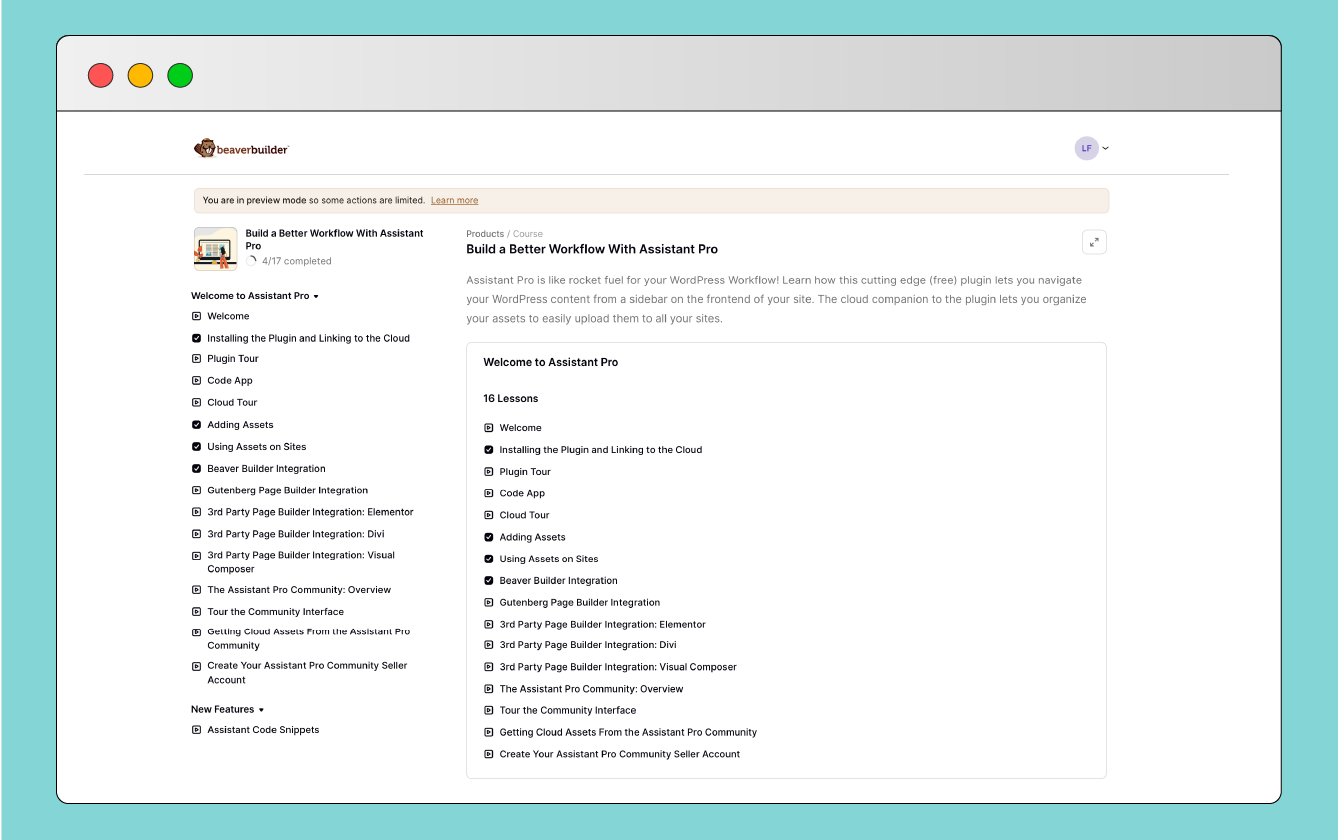
You’ll learn how to navigate content efficiently, organize your cloud libraries, and move assets between sites without friction. The result is less busywork and faster website builds.
Final Thoughts
Assistant Pro is more than just cloud storage for WordPress templates. It’s a workflow platform designed to help developers, freelancers, and agencies manage reusable assets across multiple sites.
When paired with Beaver Builder, it becomes a powerful tool for building faster, maintaining design consistency, and simplifying WordPress development workflows.
Whether you connect using the Assistant plugin or Beaver Builder Cloud, you’ll gain access to a centralized system for managing templates, content, and design assets.

Our Newsletter
Our newsletter is personally written and sent out about once a month. It's not the least bit annoying or spammy.
We promise.
Try Beaver Builder Today

Related articles

Link in Bio WordPress Templates: Elevate Your Online Presence
 -
March 4, 2026
-
March 4, 2026
In today’s digital landscape, where attention spans are short and online platforms are teeming with content, it’s crucial to make…

What’s New in Assistant PRO: Smarter Imports, Settings Sync, and Dashboard Notifications
 -
February 25, 2026
-
February 25, 2026
If you’ve been using Assistant PRO to manage WordPress libraries and site configurations, you already know how much time it…
What is Beaver Builder Cloud? Save & Reuse Templates Across WordPress Sites
-
July 25, 2025
Last updated on March 12, 2026 by Jennifer Franklin If you build multiple WordPress websites, whether for clients or your…
Join the community
We're here for you
There's a thriving community of builders and we'd love for you to join us. Come by and show off a project, network, or ask a question.


Since 2014
Ready to build?
The WordPress page builder agencies and freelancers have trusted since 2014. Now with AI.